The Bulk Deduplication Configuration menu provides you with enhanced options for managing the dedupe process and automatically sending data to the off-system process.
Note: this article is for the configuration tool available to administrators with Super User access. Help for the Deduplication Manager within Data Health can be found here.
-
Open the Super User menu and select Bulk Deduplication Configuration.
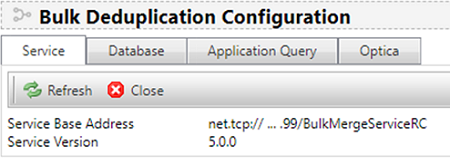
The Service tab details the base address and version number of the service being configured.
-
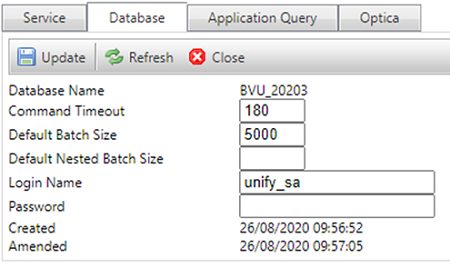
Select the Database tab and overwrite the default settings.
-
Define, select and/or modify the data to be sent to the off-system process as required for each deduplication context on the Application Query tab.

-
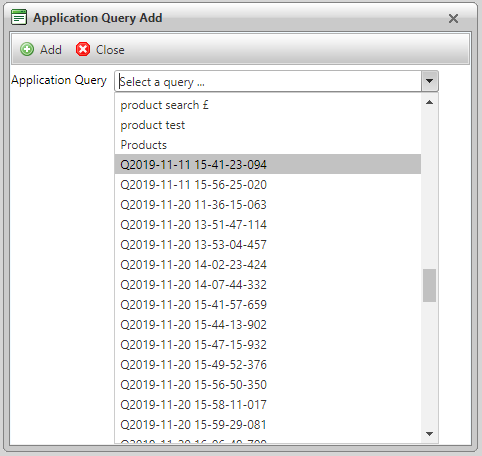
Use the Add button to open a pop-up window and view a list of available Application Queries to add to the Bulk Dedupe.